

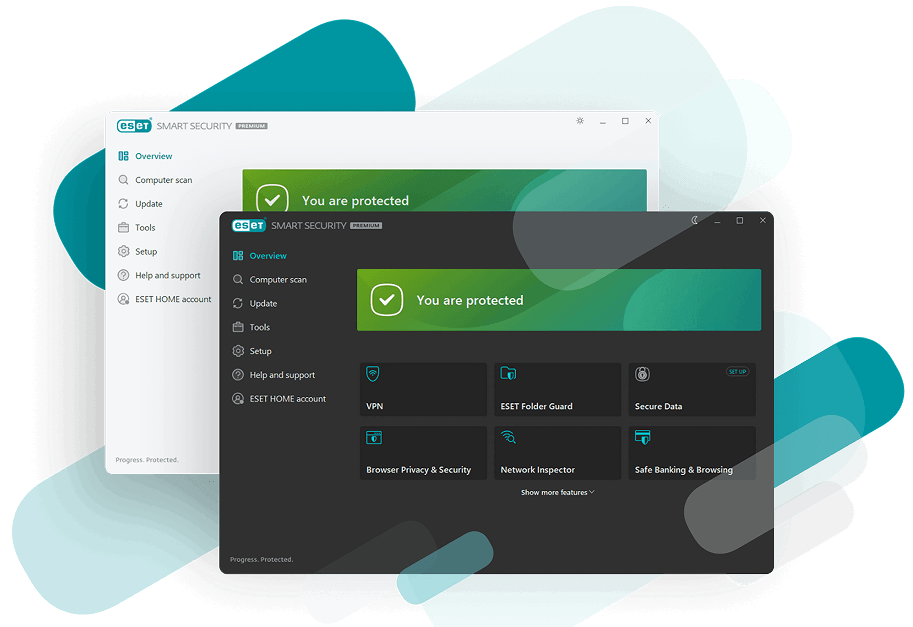
Digital Products
Award-winning ESET security, ready instantly. Choose your level of protection and get started today.
ESSENTIAL
Digital DownloadAntivirus, worry-free payments, and online privacy protection including anti-phishing and Wi‑Fi protection.
$49.99
BUY NOW
PREMIUM
Digital DownloadElevate your protection with unlimited VPN traffic, encryption for sensitive files, and cutting-edge threat detection.
$79.99
BUY NOW
ULTIMATE
Digital DownloadAdvanced protection with Top VPN Security featuring router security, identity protection, and ransomware remediation.
$149.99
BUY NOWWhy Micro Center Customers Love ESET
Fast &
Lightweight
Runs quietly in the background — never slows down gaming, streaming, or schoolwork.
Smart, AI‑Driven
Detection
Advanced machine learning stops the newest online threats in real time.
Privacy‑First
Security
Built with strict privacy standards — no unnecessary data collection.
Protection
Everywhere You Go
Blocks phishing sites, suspicious emails, unsafe Wi‑Fi, malware, and ransomware.
Help Me Choose
Stay safe online. With 24/7 real‑time protection ESET works
automatically — protecting you from threats the moment you go online.
ESSENTIAL
Digital Download
ULTIMATE
Digital DownloadRecognized Quality by Independent Tests and Customers






Save Without Compromising Security
Experience next‑gen protection the moment you power up your new device. Get started instantly with a quick, hassle‑free download.
SHOP ESET PRODUCTS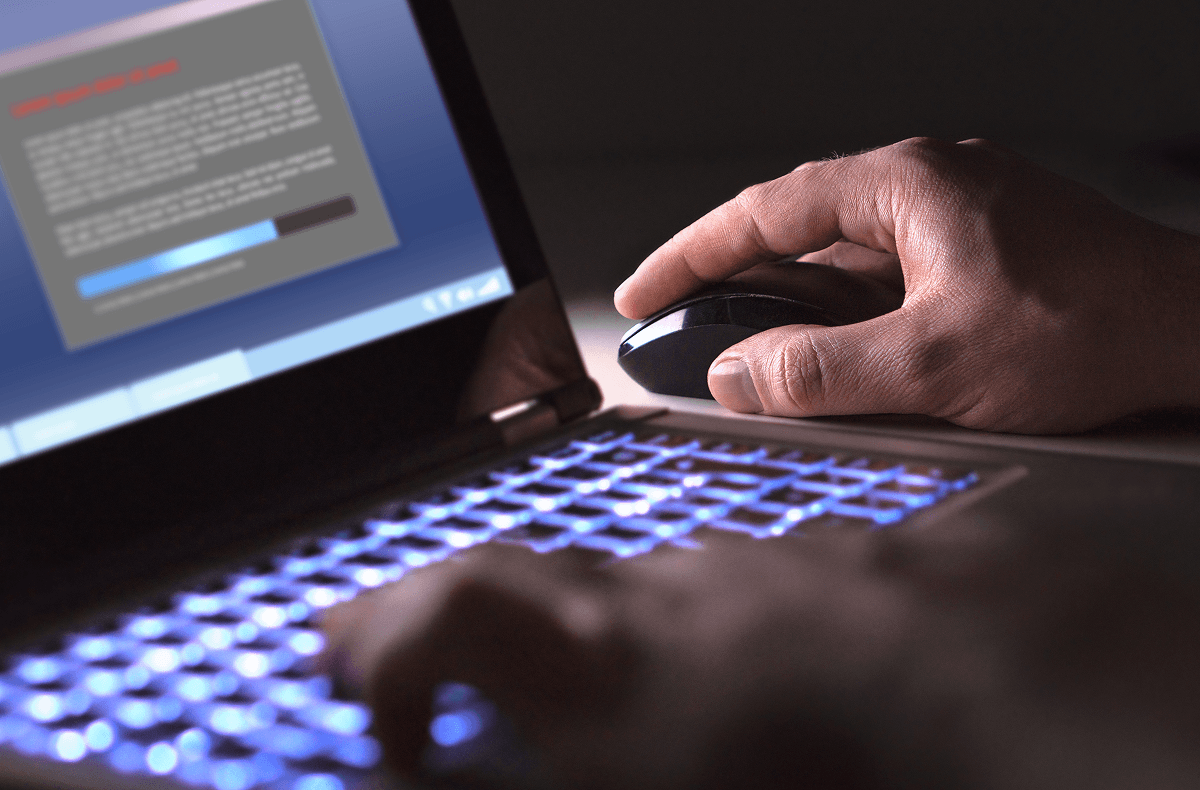
Shop ESET
Shop all ESET Home security products to keep your devices and personal data protected.
SHOP ESET PRODUCTS

FAQS
How do I download and install ESET after purchase?
How to download & install ESET after purchase
- Go to: www.eset.com/us/retail
- Create or login to your ESET HOME Account.
- After successfully logging in, in the Subscriptions section, click Show all subscriptions.
- At the top right, click + Add subscription.
- Type or copy a valid activation key into the blank field and click + Add subscription.
- On the main screen, click Show all devices under the Devices section.
-
Click + Protect device. You can protect your current device or send the protection to your other devices by following the instructions below:
- Protect this device – Download the ESET product installer to the device you are currently on and activate the ESET product.
- Protect another device—Send the ESET product installer to activate the protection on your other devices.
Useful links:
- Manuals and documentation: help.eset.com
- Support and troubleshooting: support.eset.com
- Complete security management platform: home.eset.com
- Cybersecurity news: welivesecurity.com
I cannot access my email with the product key code activation information?
- Check your spam, junk, and other secondary inbox folders.
- Gmail users: Check your Promotions tab, as Micro Center emails may be routed there.
- Ensure the email address entered was correct. A typo in the original registration or purchase email may prevent delivery.
If you still did not receive or find your Micro Center email with the product key code activation information, please reach out to Micro Center Support.
How do I transfer my ESET subscription to a new computer or device?
How can I retrieve my subscription information?
Do I need to reinstall after renewing?
No, if you renewed your subscription you do not have to reinstall on the same computer.
Some home users might experience a brief delay before the expiration date is updated and program module updates are downloaded. Your virus protection will remain active and your computer will be secure during this time.
How can I cancel my automatic renewal?
Auto-renew is continuous, unless you turn it off after your purchase via your account. Turning off auto-renew will not cancel your subscription—your ESET protection will continue until it expires. You will be notified before expiration so that you may renew manually.
You may cancel automatic renewal at any time:
- Start by logging into your account using your Activation Key or Public ID.
- Proceed to the Subscription Management page, where you may use the “Auto-Renewal” slider to cancel the renewal of your subscription.
- Confirm your selection to renew manually.
I did not receive the recovery email - what can I do?
If you did not receive your ESET recovery email, please try the following:
- Check your spam, junk, and other secondary inbox folders.
- Gmail users: Check your Promotions tab, as ESET emails may be routed there.
- If you are attempting to retrieve your license or subscription information, use ESET’s Lost License / Subscription Recovery tool to have your activation details resent to the email address originally used during purchase or registration.
- Ensure the email address entered was correct. A typo in the original registration or purchase email may prevent delivery.
If you still do not receive the recovery email or no longer have access to the original email account, please contact ESET Technical Support for further assistance with account verification and recovery.
ESET Support: ESET Support Center