AI Hardware for Small Business: Part 2

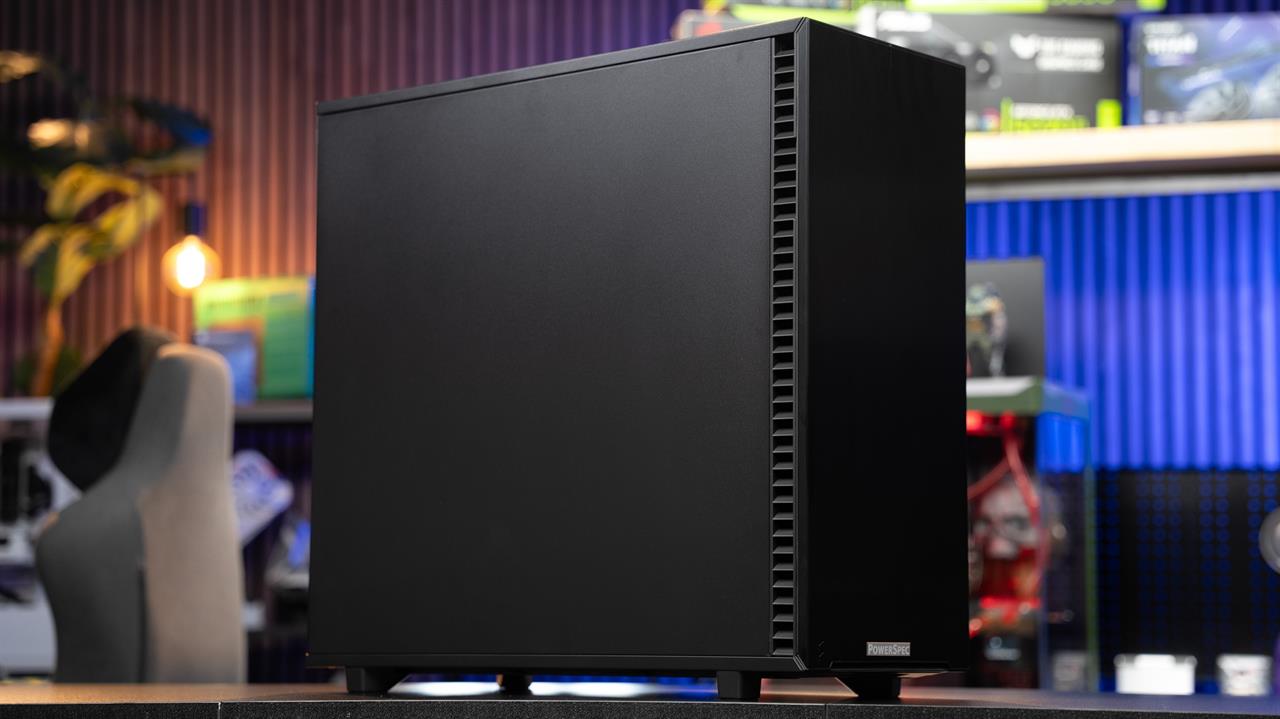 Photo: Jacob Bobo
Let's face it: Most SMB leaders instinctively turn to various online and cloud computing providers to power business needs because doing so is generally fast, simple, and highly-scalable. Renting cloud GPU time for AI also helps business owners and operators avoid the cost of having to make up-front investments in new PC hardware. It's simple, after all: You basically just sign up for a service, spin up an online instance, run whatever computing task or research project you need, and pay the service providers.
Read more: AI Hardware for Small Business: Part 1
But costs associated with these cloud-powered services can rapidly add up, especially if your business needs real-time output, processes high volumes of data, or trains its own AI agents and models regularly. Making a point to purchase a localized AI hardware setup helps you decrease long-term costs, enhance data privacy, lower latency, and gives you the chance to customize PC systems better to meet your exact needs. In effect, using a localized AI PC setup can help you speed up results, keep sensitive information out of the cloud, and result in greater cost-savings over an extended period.
How to Choose AI Hardware for SMBs: A Step-by-Step Rundown
Following our guide as you prepare to research and purchase AI PC hardware for your small business can help you avoid overpaying for features you won't use. Likewise, it can also help you inadvertently underpower the hardware your systems need.
Step 1 — Determine the nature and volume of your AI needs
Start by considering how you plan to use AI tools in your business and what you actually want to use automated solutions to accomplish. Ask yourself:
- What type of AI tasks need performing by my SMB... and am I using a pre-trained AI model or one where I have to build my own agents, models, and setups from scratch?
- What kind of data will I be working with in terms of text, images, audio, or video?
- What level of speed do I need from my AI hardware, e.g. do I need tasks to be performed in real-time, every so often, or in batch workloads?
Also take a moment out to get a sense of just how many AI-powered requests that your business might be funneling through the hardware that you purchase as well.
Step 2 — Ponder potential VRAM requirements
As AI-powered hardware metrics go, one of the most important is VRAM. As a general rule, the AI models that you'll use locally will require:
- Small models (such as tiny natural language processing or classical machine learning solutions)... 8–12 GB of VRAM
- Transformer models (e.g. various GPT-like offerings)... 16–48+ GB of VRAM
- Vision models (like computer vision tools that allow computers to see and process the world around them)... 12–32 GB of VRAM
Keep in mind that if the data sets that you're utilizing and AI processing models don't fit within your VRAM specs, you may well see computing performance plummet. Just to be safe, as a general rule of thumb, you'll want to budget for more VRAM (around 25-30%) than you guesstimate that you'll actually need to make sure that you don't encounter any hiccups.
Step 3 — Determine if you'll use a multi-GPU or single-GPU setup
More GPUs working together in concert basically offer more parallel computing capabilities and faster processing and performance speeds. At the same time, they also introduce greater complexity into AI PC systems and setups.
Pros of Using a Single GPU:
- Simpler setup and management
- Fewer compatibility issues
- Lower up-front cost
Pros of Investing in a Multi-GPU Setup:
- Better AI performance and processing
- Faster output and AI model training
- Can handle more advanced tasks and bigger models
That said, in practical terms, for small and mid-sized businesses, a single robust GPU paired with adequate VRAM, a competent CPU, and NVMe storage is generally a winning choice. It's a setup that will provide performance, reliability, and general ease of management.
Step 4 — Plan for modularity, hardware swaps, and expansion
Also keep in mind that it's important to plan for future system, network, and hardware component expansion as well. Which is to say that even if your SMB starts with a modestly-powered AI PC setup, taking the time to research and make certain that your motherboard or server can support additional GPUs, power, and cooling can help you save substantially down the road.
Put simply, think about how your computing needs may change over time: Choosing hardware that's able to scale and expand allows you to cost-effectively scale your AI capabilities in response to growing demand.
Sample AI PC Setups to Consider
As you think about what type of AI PC hardware to invest in, you may wish to consider the following recommendations:
Entry-Level AI Rigs — $1,500–$3,000
- Mid-range GPU with 12–16 GB VRAM
- 16–32 GB system RAM
- Fast NVMe SSD
Mid-Tier AI Servers — $3,000–$8,000
- GPU with 24–48 GB VRAM
- 64–128 GB system RAM
- Dual NVMe for raw speed
- Good cooling and power
AI PCs for SMBs: pick smarter options... not shinier
Automation and artificial intelligence in business isn't just for Big Tech titans anymore. Small- and medium-sized businesses can and should also benefit from tapping into artificially-intelligent hardware that reduces long-term costs, improves speed and performance, and provides predictive and proactive capabilities.
Important to note here: The more you take time out up-front to research and think through areas like how much VRAM you'll need; your day-to-day computing needs; and what real-world use cases for the technology that you plan to implement, the better off you'll be. As you weigh up-front costs, it may also help to consider your AI hardware investment as one that's being made in your SMB's foundational computing infrastructure... not some trendy update that's got everyone buzzing.
In other words, choosing the right AI hardware for your SMB is all about matching the machine's capabilities to specific business needs. That said, for small- and medium-sized firms, investing in a localized AI hardware configuration and system setup doesn't just make practical sense. It also makes good business sense as well.
More from MC News
- How to Start Benchmarking LLMs on your PC
- Explaining NVIDIA NVFP4, the DGX Spark's Secret Weapon
- Run AI Locally: The Best LLMs for 8GB, 16GB, 32GB Memory and Beyond
- Quantization Explained: Why the Same LLM Gives Better Results on High-End Hardware
- Why VRAM and Memory Bandwidth are Key for Powering Local AI
- Keyboard 101: Intro to Computer Keyboards
- Fix It Yourself: Talking to iFixit on Why Repairable Tech Matters
- Hands-on with NVIDIA DGX Spark: Everything You Need to Know