Hands On with the Glorious GHS Wireless InfinitePlay

While battery-powered wireless accessories are nothing new - I remember burning through AAs for my mouse back in the early 2000s - what has changed is the battery technology itself. The Glorious GHS Wireless InfinitePlay headset uses a two-battery, hot-swappable system for quick recharges without disconnecting.
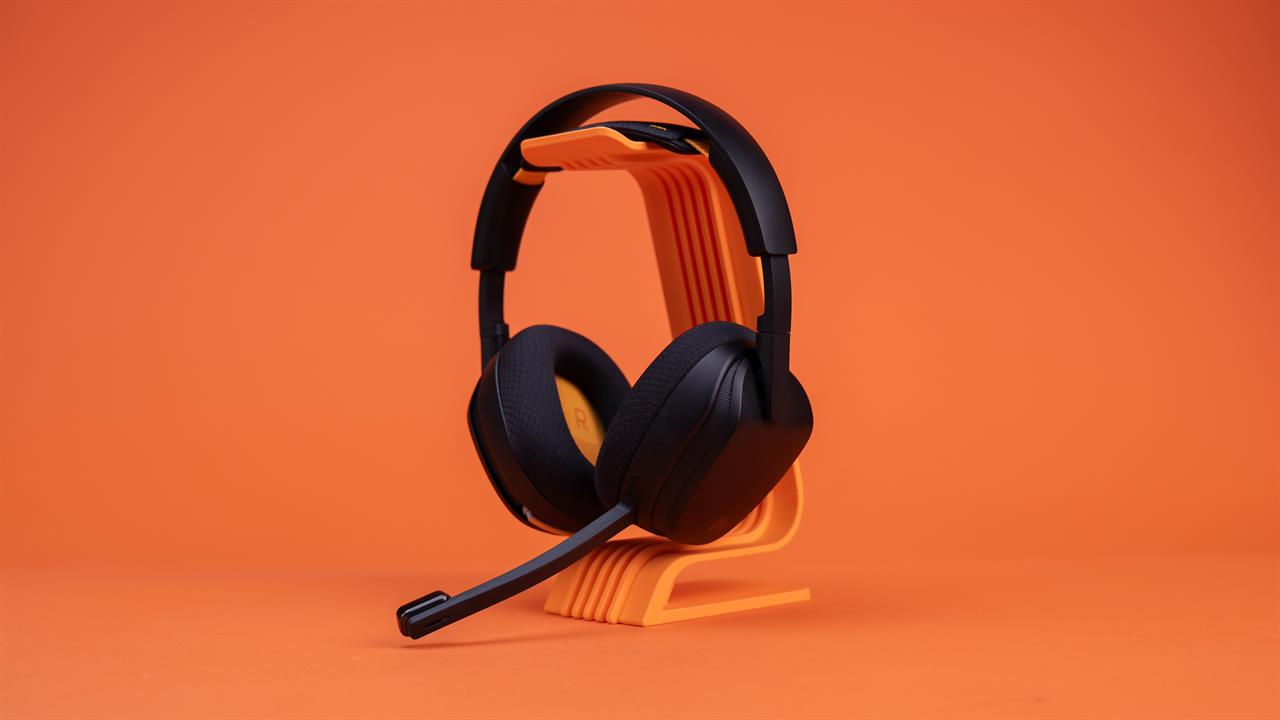 Photo: Jacob Bobo
Glorious was kind enough to let me get my hands on a pair ahead of launch and it thoroughly impressed me, with solid comfort over long periods, quality audio, and a novel battery system that promises to be useful for those who spend a lot of time with high-intensity games.
The Headset
I have a moderate-to-large head, so after taking a quick look at the GHS Wireless (a very nice black chassis with orange highlights) I had to know if it would fit. And, good news for the big heads amongst us, it fits great. While I had to adjust the sides, of course, there was still plenty of room for further adjustment. I've been wearing it for hours at a time with little to no fatigue, thanks in no small part to the fairly light 280g weight, and that's with the detachable microphone connected.
Beyond the headset, there are two batteries, a wireless dongle, a USB-C cable, and a changing base. Cleverly, however, the wireless dongle fits seamlessly into the charging base along with the currently-out-of-headset battery before both are connected to the computer via USB-C. It’s a novel way to save space and the final desk footprint is just a small box -- about the size of your palm -- and a cable.
The headset can also be switched between wireless 2.4GHz and Bluetooth connections with the button located on the back of the right ear, or plugged in directly as a wired option.
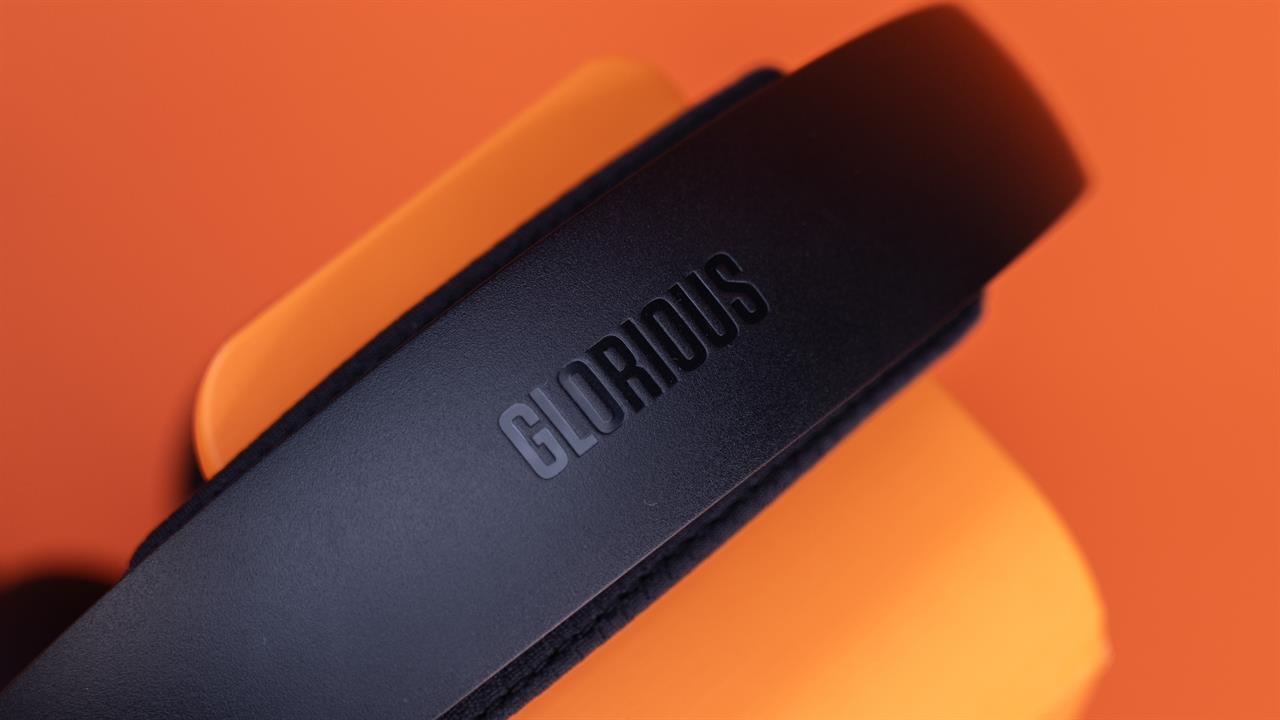 Photo: Jacob Bobo
The Batteries
Glorious released its Model O3 mouse not that long ago that made use of two quick-swap batteries to keep your gaming going longer. The Glorious GHS Wireless takes that two-battery system and perfects it, making it easier than ever to keep gaming when that “low battery” warning flares.
Batteries can be inserted into the headset and charging dock regardless of which side is
“up”, a major improvement over the O3’s directionally-sensitive system. If the headset battery dies mid-match, you don’t have to ensure everything is facing the same way while trying to dodge enemy fire.
When your battery is low, just pop it out of the right earphone, then insert the fresh battery that’s been charging in the dock. It's something you can even do while wearing the headset, with a bit of nimble-fingered precision.
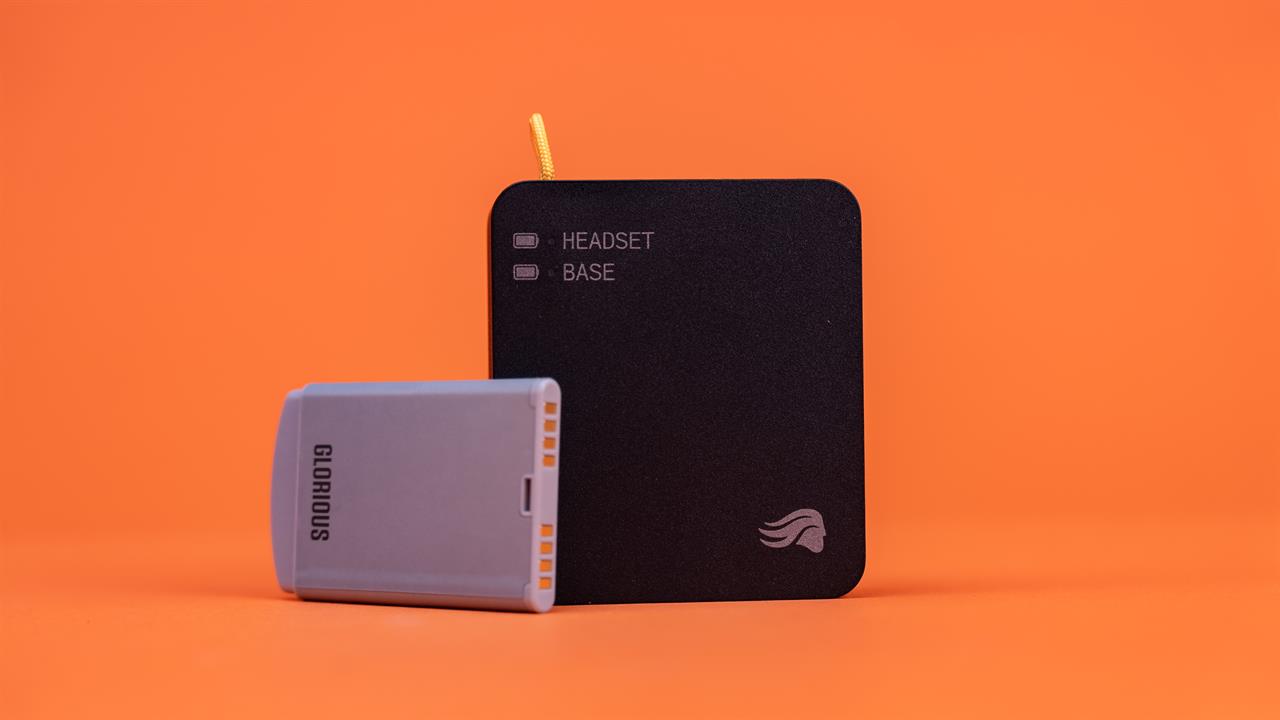 Photo: Jacob Bobo
The GHS also features a smaller, built-in battery so that if you do have to make an emergency mid-match switch, you can do so without ever disconnecting.
The Audio
The GHS Wireless uses 40mm drivers in each ear cup for solid sound and spatial audio; I’ve listened to plenty of crystal clear music and kept my ears on more than a few targets while testing the headset out. While I didn’t spend much time fiddling in the Glorious CORE Software, there are a plethora of customization options that can help dial in the audio to your exact wants.
The detachable microphone offers, according to friends, coworkers, and my own recordings, solid sound quality and a more than capable noise-cancelling system that helps to cut out the drone of PC fans and the hum of a busy office.
The two-battery system of the Glorious GHS Wireless InfinitePlay is absolutely the draw of the headset and for good reason; it’s the easiest battery swap system I’ve used and helps keep things moving with no frustration.
If you want to check out the GHS Wireless, stop by your local Micro Center. Our knowledgeable associates will be more than happy to help you find the perfect headset for your needs!
More from MC News
- The Complete Guide to Essential Browser Settings
- Complete Guide to Windows 11 Disk Management
- Run AI Locally: The Best LLMs for 8GB, 16GB, 32GB Memory and Beyond
- How to Build a PC with a Hardline Water-Cooling Loop
- 3D Print a Mac Mini Monitor Mount
- Keyboard 101: Intro to Computer Keyboards
Sean Mekinda is the editor for Micro Center News, with three years of experience on The Micro Center Community and writing credits across the internet, including Polygon, 25YL, and 614 Magazine. He's been writing about and reviewing tech for over five years.