Where Local AI Beats the Cloud (and Where it Doesn't)
With modern hardware, you can run capable AI models on-device and keep complete control of your data.AI

Updated October 19, 2026
You don't need a supercomputer to run an AI. You can run a surprisingly capable chatbot on a gaming PC, a MacBook, or other consumer hardware. You don't even need the internet — you can do it all offline and keep complete control of your own data.
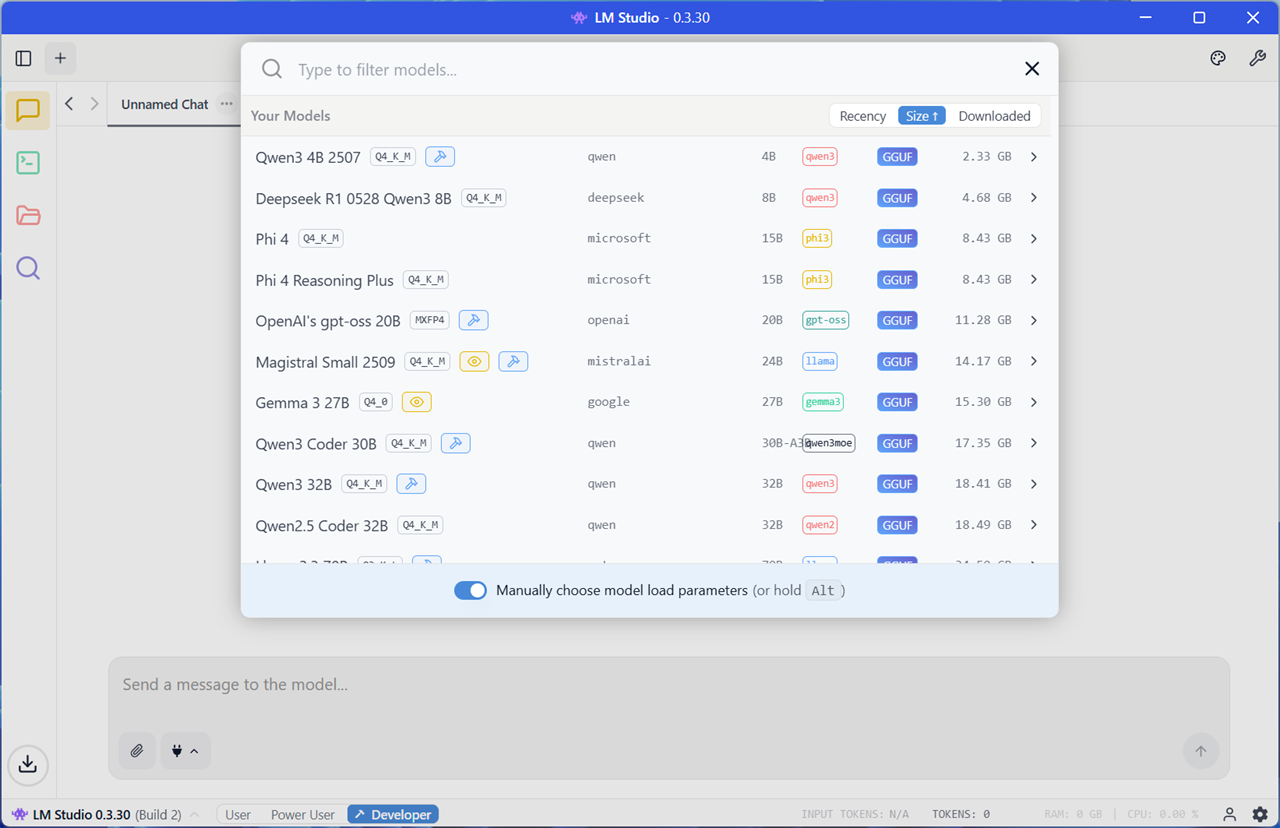
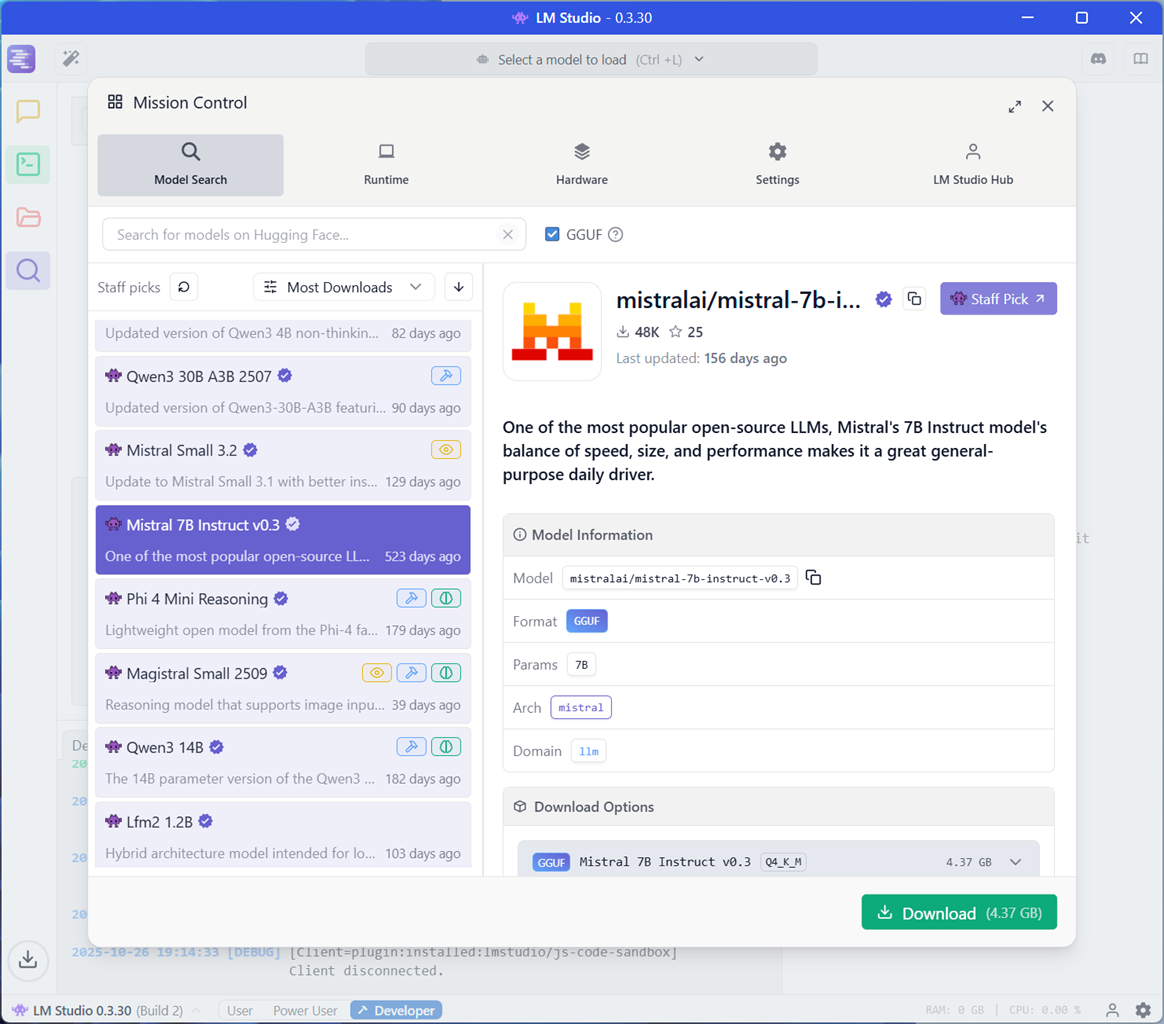
Local AI offers an experience you just can't get with cloud AI models running in data centers. To get started, you can download LM Studio or Ollama. LM Studio is especially powerful: It gives you quick access to a whole universe of models from Hugging Face. You can download them in a few clicks.
Local AI is private and yours to control
When you use an AI service in the cloud, you're handing your data over to another company. Even if you skip the premade chatbots and use an API, you're still sending your data to be processed on servers someone else controls.
When you use a local AI chatbot, it's yours. Your data never leaves your machine. No company can feed your conversations into a training process, and there's no telemetry about how you're using the LLM. There's no EULA telling you how you can and can't use the service. There's nothing filtered, banned, or censored — unless you want it to be. If one model isn't giving you the kind of answers you want, you can swap it out for another model.
You choose the underlying model, too. Different models work best for different tasks, and they have different writing styles and strengths. There's a whole universe of models customized for specific tasks out there on websites like Hugging Face. You choose what you want to run and how it works. You aren't limited to a handful of models that big AI providers have decided are the right fit for a large audience.
Local AI is resilient and can't be shut down
Once you download an LLM, you don't even need the internet to run it — you could disconnect from the internet and use it entirely offline. You can move it between devices, and to new devices.
A model with open weights is yours to keep using forever. If you rely on a model for a particular workflow, you won't lose access to it. You can even download and archive a copy.
Meanwhile, cloud AI providers frequently deprecate and shut down old versions of their proprietary models. Anthropic has deprecated a variety of Claude models, while OpenAI also deprecates older GPT models. You'll never lose the ability to keep using an LLM with open weights.
Local AI is extremely customizable
If you start poking around Hugging Face, you'll quickly realize there's a whole universe of different chatbots designed for different tasks. Some models are tuned for coding, while others are for role-playing Dungeons and Dragons-style campaigns.
Spend some time with them and you'll quickly realize that smaller, specialized models often outperform larger models at specific tasks. You can swap models on the fly.
You can even fine-tune your own model. A technique called LoRA (low-rank adaptation) lets you personalize a model with your own documents, chat history, notes, or other data.
Local AI teaches you how AI works and lets you tune it
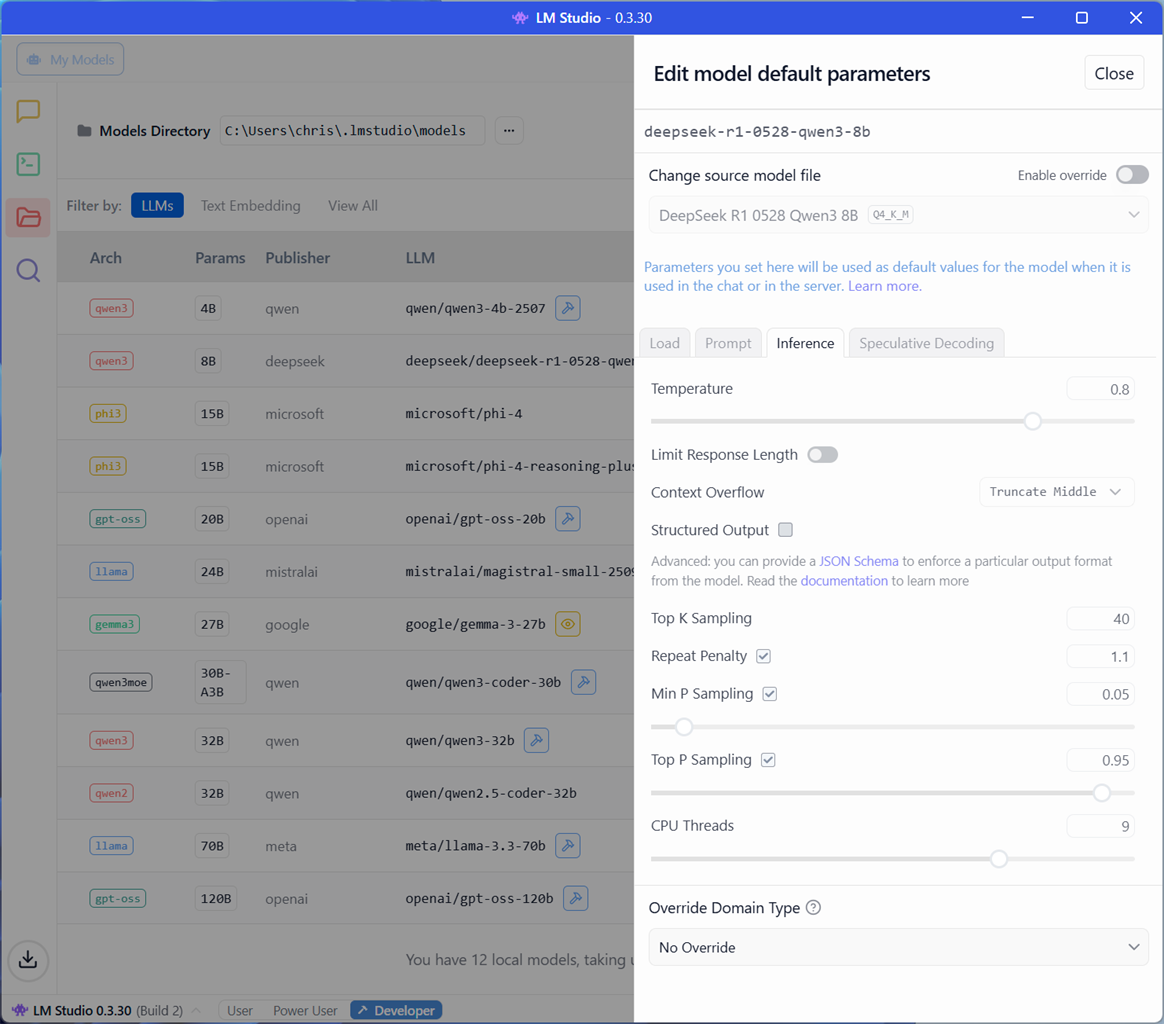
Cloud AI tools "just work" and hide all the technical details and knobs from you. If you're running AI models on your own hardware and tuning parameters, you'll start to think about model temperature, context window size, and other parameters you can control.
You can compare models of different sizes and look at how model sizes affect both speed and output quality. You'll understand what hardware you need and what the bottleneck is.
You'll even learn how to be more efficient: How many big companies are out there feeding lots of data to an expensive LLM API when they don't have to? For lots of tasks, a smaller, more efficient model might be just as good — and use much less processing power.
Beyond Chatbots: Reasoning, Coding, and Multimodal on Your Desk
When running language models locally first gained traction, the trade-off was stark: you accepted significantly lower intelligence in exchange for absolute privacy. A local 7B-parameter model could draft simple emails, summarize a text file, or act as a fun offline novelty, but it could not rival frontier cloud engines on complex logic or programming.
That performance gap has largely vanished for focused workloads.
Thanks to breakthroughs in distillation, quantization, and post-training architectures, modern open-weight models punching in the 8B-to-32B parameter range routinely match or outperform previous-generation trillion-parameter cloud behemoths.
Local Reasoning Models: Architectures incorporating test-time compute (such as DeepSeek-R1 distillations and QwQ) spend variable computing cycles "thinking" through multi-step logic, edge cases, and mathematical proofs before outputting an answer. On coding benchmarks and logical deductions, these models run entirely on consumer hardware while delivering near-frontier accuracy.
Specialized Code Engines: Tools like Qwen 2.5 Coder run offline inside IDEs (via local extensions like Continue.dev) to provide instant code completions, unit test generation, and refactoring without sending proprietary source code outside your firewall.
Native Multimodal and Audio Pipelines: Local AI is no longer confined to plain text. Offline vision models (such as Qwen2-VL) process local screenshots, schematics, and invoices directly from your storage drives, while real-time local models like OpenAI’s Whisper transcribe multi-hour meetings with near-zero system overhead.
Cloud AI still has some huge advantages
I'm a big believer in the promise of local AI. And I think that, if you haven't tried it, you may be shocked at how impressive a modern LLM can be on even consumer hardware. But let's be honest: Cloud models are much more capable.
Cloud models are huge, and they have demanding hardware requirements. Local AI models are smaller, they output text slower, and they use a lot of power. Because they're smaller, the output quality of a cloud model will usually be much better.
They also need less setup. AI companies have put serious effort into making tools like ChatGPT, Gemini, Claude, and Copilot simple to start using. They have smartphone apps, they sync, they search the web for you, and they have built-in memory functions. Local AI tools have user interfaces that are a bit more technical, even though you can get started in a few clicks.
Why you should want local AI anyway
Yes, the average local LLM that runs on your PC's GPU isn't going to be as capable or "smart" as a cloud LLM. But that doesn't always matter.
What matters is that local AI gives you complete privacy, full control of your own data, and resiliency: A company can never pull the plug on you. You could be living in a cabin in the woods without the internet and still have your chosen models. And you can tweak and fine-tune your chosen models however you want.
It's a mindset shift, and it might affect how you use cloud AI, too: Even if you want big models running on powerful data center hardware, you might consider using an API and rolling your own experience rather than depending on one company's all-in-one chatbot tool.
It changes the way you think about AI — from something a big company provides for you to a technology that you can control and customize. With local AI, you're in control.
The Hardware Sweet Spots: Sizing VRAM for Local AI
The primary bottleneck for local AI isn't your CPU clock speed—it is memory capacity and memory bandwidth. Because an LLM must fit entirely into active memory during inference, your graphics card’s Video RAM (VRAM) dictates the maximum model size and context length you can run at high tokens-per-second.
| Tier / Platform | Hardware Options | Memory & Bandwidth | Recommended Models | Workload Focus & Notes |
|---|---|---|---|---|
| Tier 1: Entry / Daily Assistant |
|
8GB – 12GB GDDR7 ~450 – 672 GB/s |
Google Gemma 4 E2B (4-bit)
Wildcard: LiquidAI LFM2.5-2.6B
|
Lightweight chat, single-document summaries, and small script generation. Gemma 4 E2B brings native vision and tool calling in a compact 4.73GB footprint. |
| Tier 2: The Enthusiast Sweet Spot |
|
16GB GDDR7 ~960 GB/s |
Google Gemma 4 E4B (8B)
Alt: Qwen 2.5 Coder 14B (Q4)
|
The sweet spot for daily desktop productivity. Ample headroom for 16k–32k context windows, local RAG document queries, and multi-turn coding without system memory spillover. |
| Tier 3: Extreme Throughput Flagship |
|
32GB GDDR7 1,792 GB/s |
Qwen3.8 27B (4-bit / 8-bit)
Alt: Llama 3.3 70B (Q3/Q4)
|
Blazing token speeds (>50 t/s). Qwen3.8 27B utilizes its "Extra Reasoning" mode for complex logic, math proofs, and vision processing across deep context windows. |
| Tier 4: High-Capacity Unified Memory |
|
64GB – 128GB Unified LPDDR5X 256 – 300 GB/s (up to 546+ GB/s on Mac) |
Poolside Laguna S 2.1 (118B)
Alt: Qwen3.8 27B (Q8 @ 256K context)
|
Breaks discrete VRAM boundaries. Enables loading massive 100B+ class models (Laguna S 2.1 requires ~66.3GB at Q4) or 256K token context caches directly on a desk workstation or laptop. |
Chris Hoffman is a veteran tech journalist and the former Editor-in-Chief of How-To Geek. He's been going hands-on with PC hardware and getting his hands dirty with Windows for 15 years. And has written for publications including PCWorld, PCMag, Computerworld, The New York Times, Fast Company, and Reader's Digest.