World Backup Day 2026: The Tools to Keep Your Data Safe

You’ve just finished your college essay, family photo book, or yearly taxes. You shut down the computer, satisfied and ready to give it one more look-over tomorrow morning. But, tragedy strikes. Sometime over the night, your hard drive failed. Or your computer isn’t turning on.All that progress is gone and, with it, your chances of hitting the due date. You should have backed up your work.
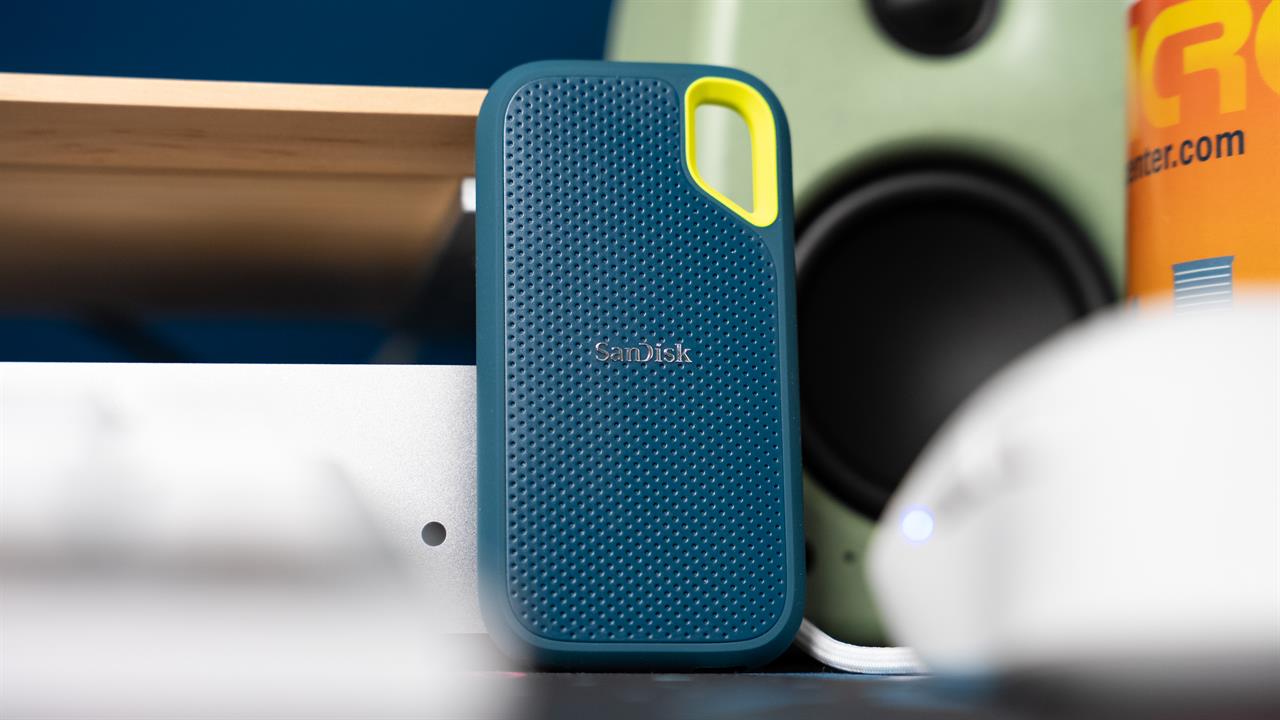 Photo: Jacob Bobo
World Backup Day rolls around every March 31st as a gentle reminder that data loss can and will happen; while Micro Center offers data recovery services, the only sure-fire way to make sure you’re protected is with redundant backups. But what do those redundant backups look like? Well, it’s as easy as 3-2-1.
The 3-2-1 Rule
The 3-2-1 rule is shorthand for the three steps anyone looking for a complete, secure backup of their data should take. To be 3-2-1 compliant, you need 3 copies of your data on 2 different storage mediums in more than 1 location. If that seems overwhelming, don’t worry; it’s a lot easier than it sounds.
3 Different Copies of Your Data
At first glance, three different copies of your data may seem like overkill. But when you factor in one copy is already done - your current data - now you only need two additional copies. Plus, you’ll be using both of those copies immediately, as one should be your alternative storage medium and one should be sent to a different location. This way you’ll almost certainly be able to access your data should the worst happen.
If you’re still looking for a primary storage drive, WD Black SSDs come in a wide range of capacities and offer blazing fast speeds -- up to 14,900MBps read speed -- with the security of an SSD. While traditional spinning platter drives are still reliable and a great budget-friendly way of storing data, the moving parts do make them more susceptible to mechanical failure. SSDs do away with mechanical parts, helping to keep your drives (and data) lasting longer. A Network Attached Storage drive, or NAS, is another way to make backing up easy and secure.
2 Different Storage Mediums
Physical media is great, and we cannot recommend physical back-ups enough. However, it is worth taking the time to back up your data digitally as well. Cloud-based back-ups (like iCloud Drive, Google Drive, or Backblaze) offer you the ability to back-up and restore your data from just about anywhere. If your hard drive runs into issues half way around the world, you probably won’t be able to access your physical back-ups, but a cloud back-up can save that big presentation.
More than 1 Location
Grab yourself a big, secure external SSD, back up your data, hop in the car, and drop it off in a secure location. Backing up your data and keeping it on the shelf behind your desk is a great way to protect against hard drive failure, but it won’t keep your data safe in the event of a catastrophe. Fires, floods, and natural disasters can destroy your main drive and backup in one fell swoop. If the worst were to happen, with an off-site backup, you’ll at least be able to recover the data that is most important to you.
World Backup Day only comes once a year, but keeping your data safe and backed up is a year-round task. Be sure to check out the World Backup Day website for more details, then stop by your local Micro Center when you're ready to start backing up your data; our knowledgeable associates will be more than happy to help you find the perfect drive for your needs.